1
Choose an image
Add a diagram, map, chart, process, artwork, or other visual material to a card.
Hide labels or regions on an image, then practice retrieving what belongs underneath. AlgoApp includes image occlusion directly in the card editor.
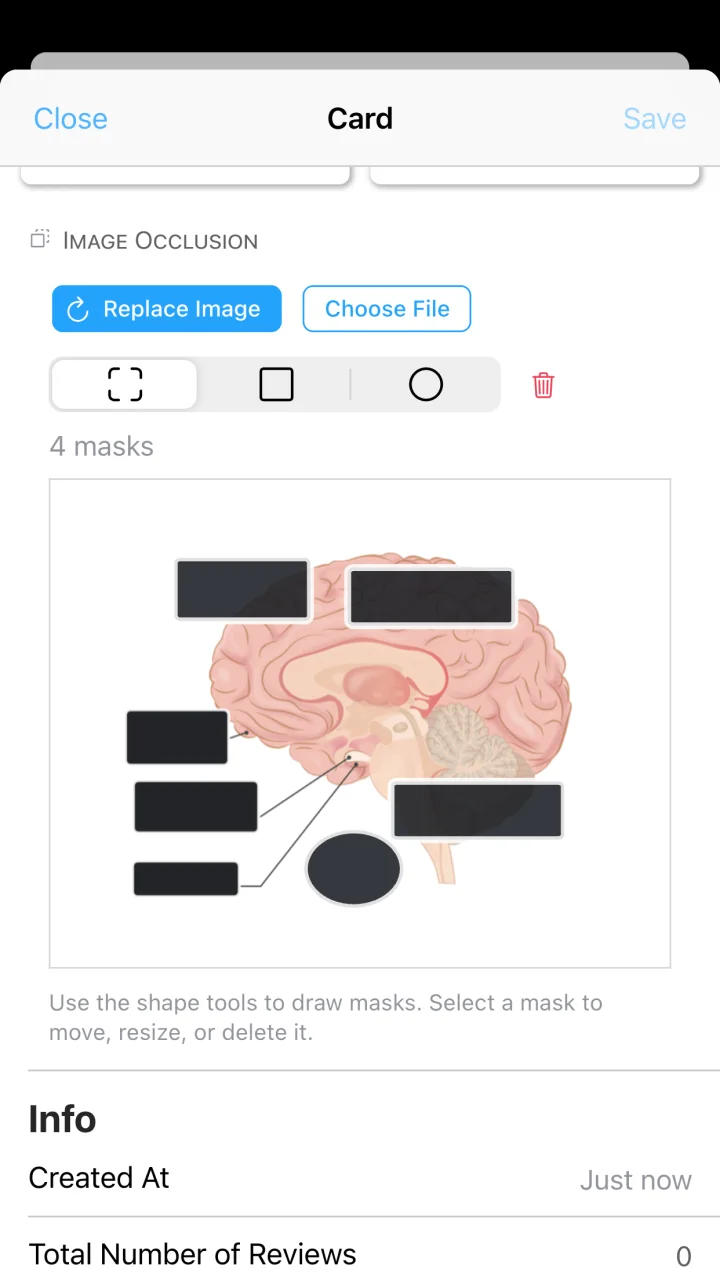
Add a diagram, map, chart, process, artwork, or other visual material to a card.
Place rectangular or circular masks over the labels and regions you want to remember.
Save the card and practice it in AlgoApp's ordinary FSRS spaced repetition flow.
Mask structures, labels, pathways, and regions on anatomy illustrations or clinical images.
Practice parts of a system, process diagrams, formulas, charts, and labeled equipment.
Learn geography, art, architecture, interfaces, and any subject where position carries meaning.
A labeled diagram can feel familiar even when the labels are doing the work for you. Image occlusion removes that support. You see the visual context, but must retrieve the hidden name, step, or relationship yourself.
Instead of cutting a diagram into disconnected pieces, masks preserve the surrounding visual structure. That makes image occlusion useful when location, shape, and neighboring parts help form the memory.
Occlusion cards are not a separate study system. Organize them with ordinary decks, folders, and tags; combine them with text, image, and audio cards; and schedule them with FSRS.
Add an image, cover what you want to retrieve, and let spaced repetition handle the rest.