1
Bring your material
Start with a PDF, photo, class notes, a prompt, a CSV, or a deck you already have.
Create flashcards from notes, lecture slides, photos, PDFs, or a simple prompt. AlgoApp helps you build them faster, study them at the right time, and keep everything in sync.
Free to start. Available on iPhone, iPad, Android, Mac, Windows, and web.
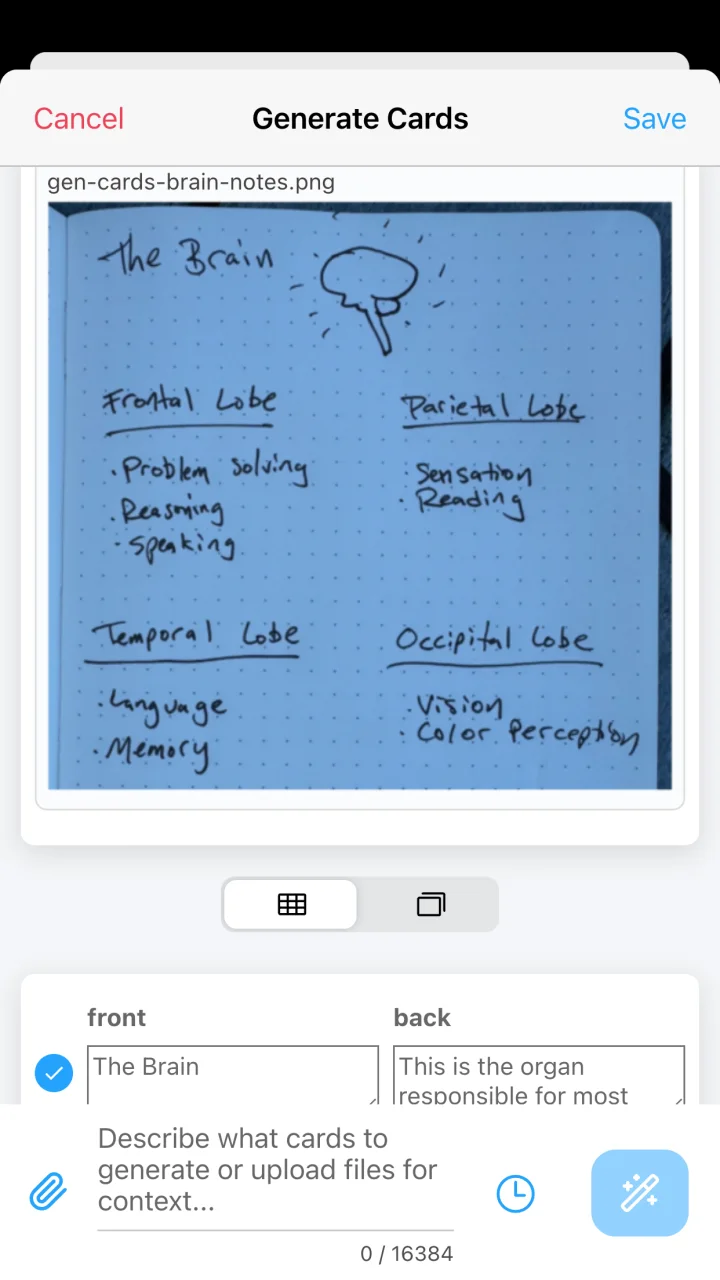
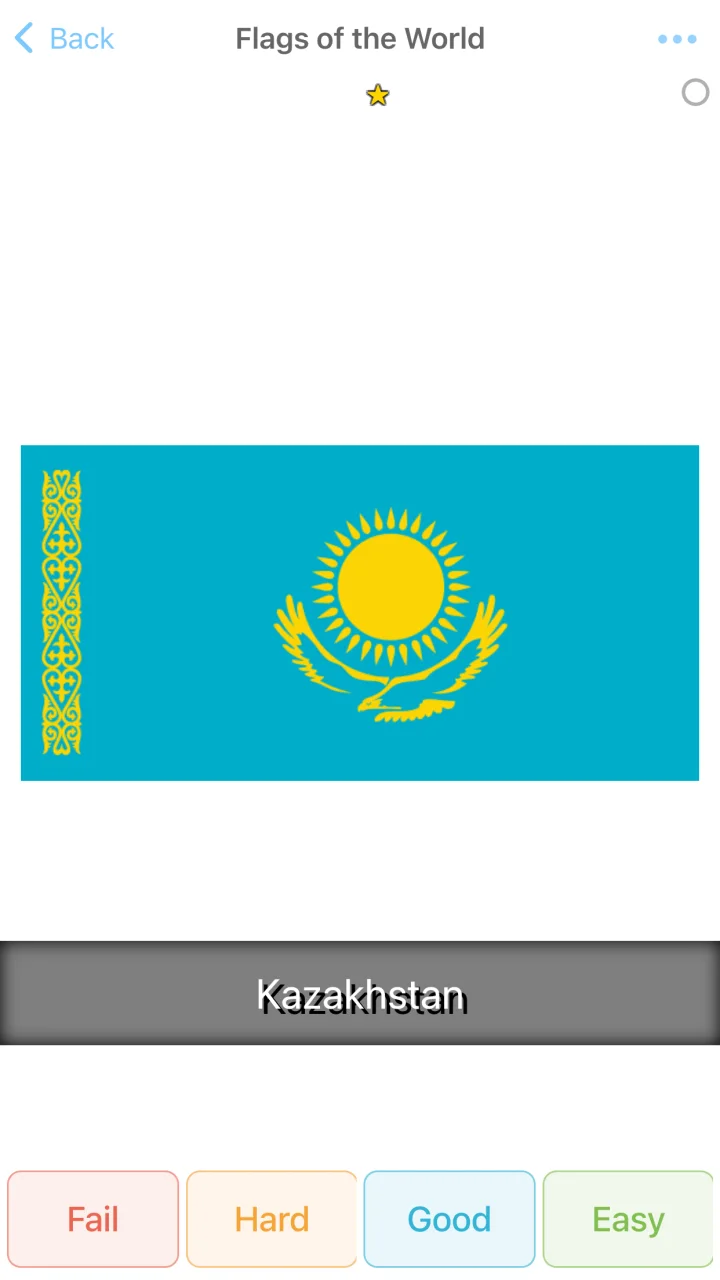
AlgoApp handles the busywork around making and scheduling flashcards so you can focus on understanding what matters.
Start with a PDF, photo, class notes, a prompt, a CSV, or a deck you already have.
Generate cards with AI or build them by hand with images, audio, translation, and flexible fields.
FSRS adapts the schedule to your answers, helping you remember more without reviewing everything every day.
A focused review experience, with serious creation and organization tools close at hand.
Turn photos of notes, PDFs, lecture slides, and text prompts into editable cards. Preview the result and choose what belongs in your deck.
Explore AI card generationMask labels on diagrams and images with rectangles or circles, right inside the card editor.
See image occlusion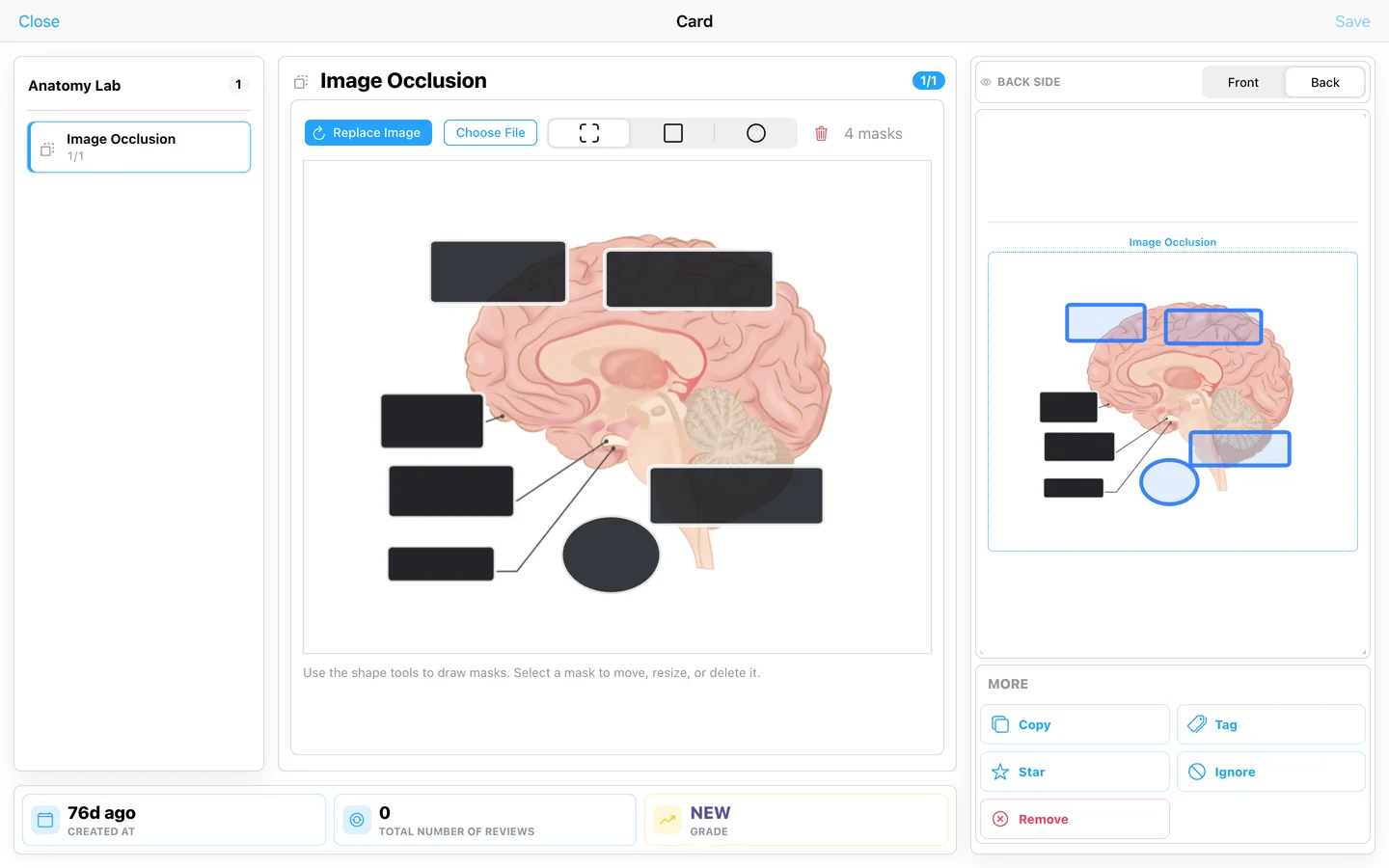
Use daily study goals, streaks, review history, and estimated completion charts to turn progress into a plan.
Learn about smart review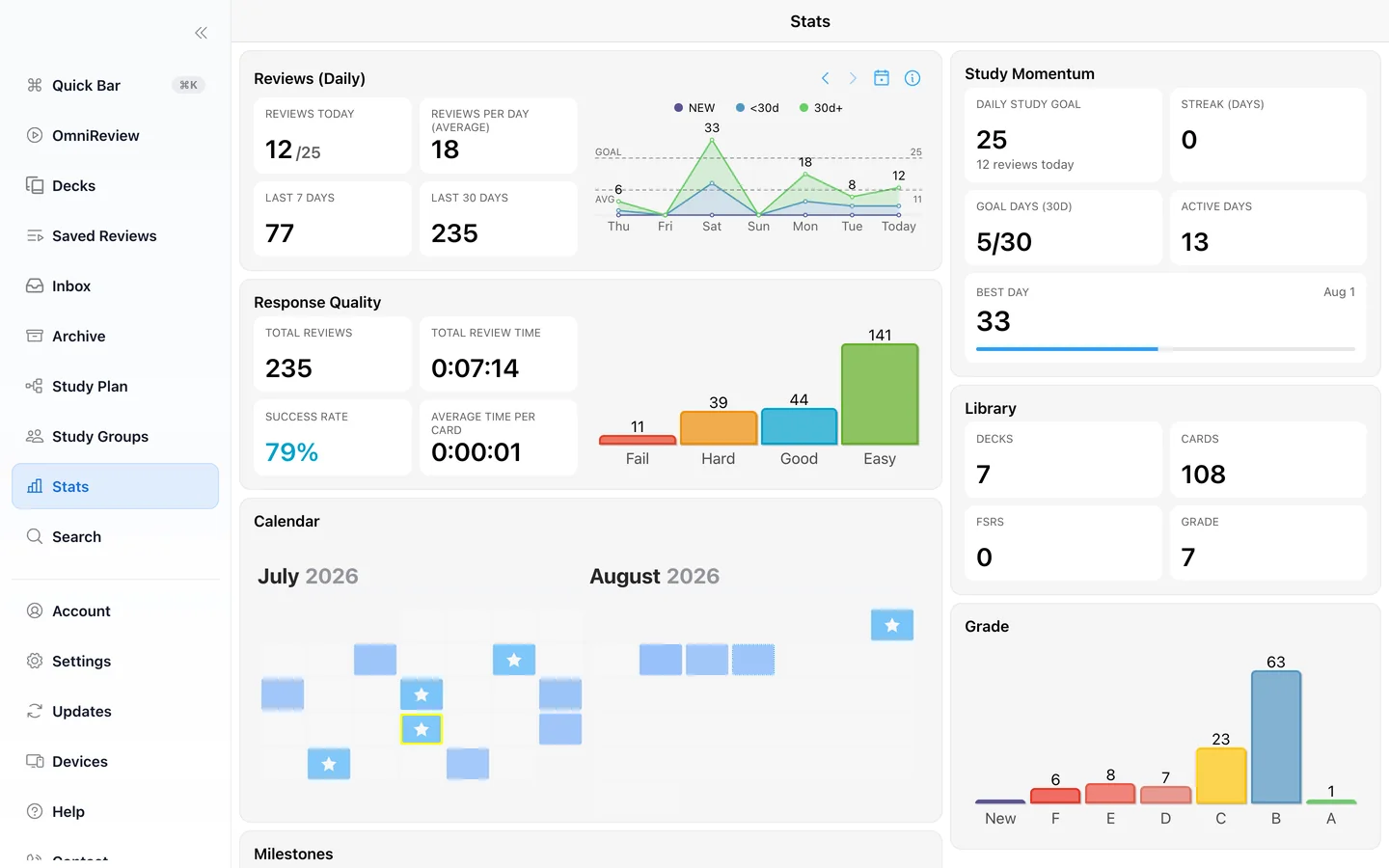
Use decks, folders, tags, custom fields, filters, grid view, and bulk editing to keep a small language deck or a large course library manageable.
See all features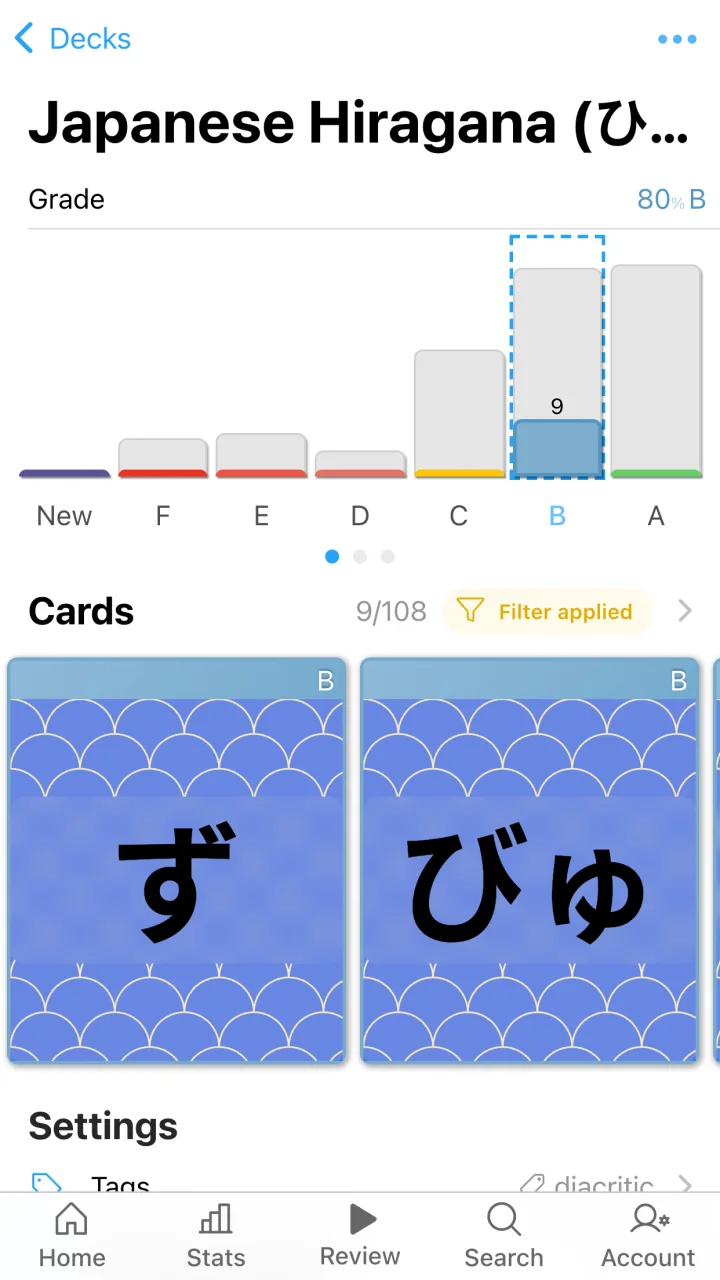
Automatic translation, text-to-speech, audio, images, furigana support, and flexible card layouts.
Build cards from lecture material and use image occlusion for anatomy, processes, maps, and diagrams.
Import material quickly, set a daily goal, watch estimated completion, and keep every subject organized.
Use the platform that fits the moment. Your cards and progress stay connected through your AlgoApp account.


Create unlimited cards and try the core experience free. Upgrade when you want unlimited reviews and devices.
Everything you need to begin.
For focused learners who want fewer limits.
Open AlgoApp in your browser now, or download it for the devices you use every day.