AI
AI card generation
Create editable flashcards from text prompts, photos, notes, lecture slides, images, and PDFs.
AlgoApp combines fast card creation, flexible organization, rich content, cross-device access, and adaptive review in one focused flashcard app.
Make cards by hand when precision matters, or use imports and AI to move faster.
Create editable flashcards from text prompts, photos, notes, lecture slides, images, and PDFs.
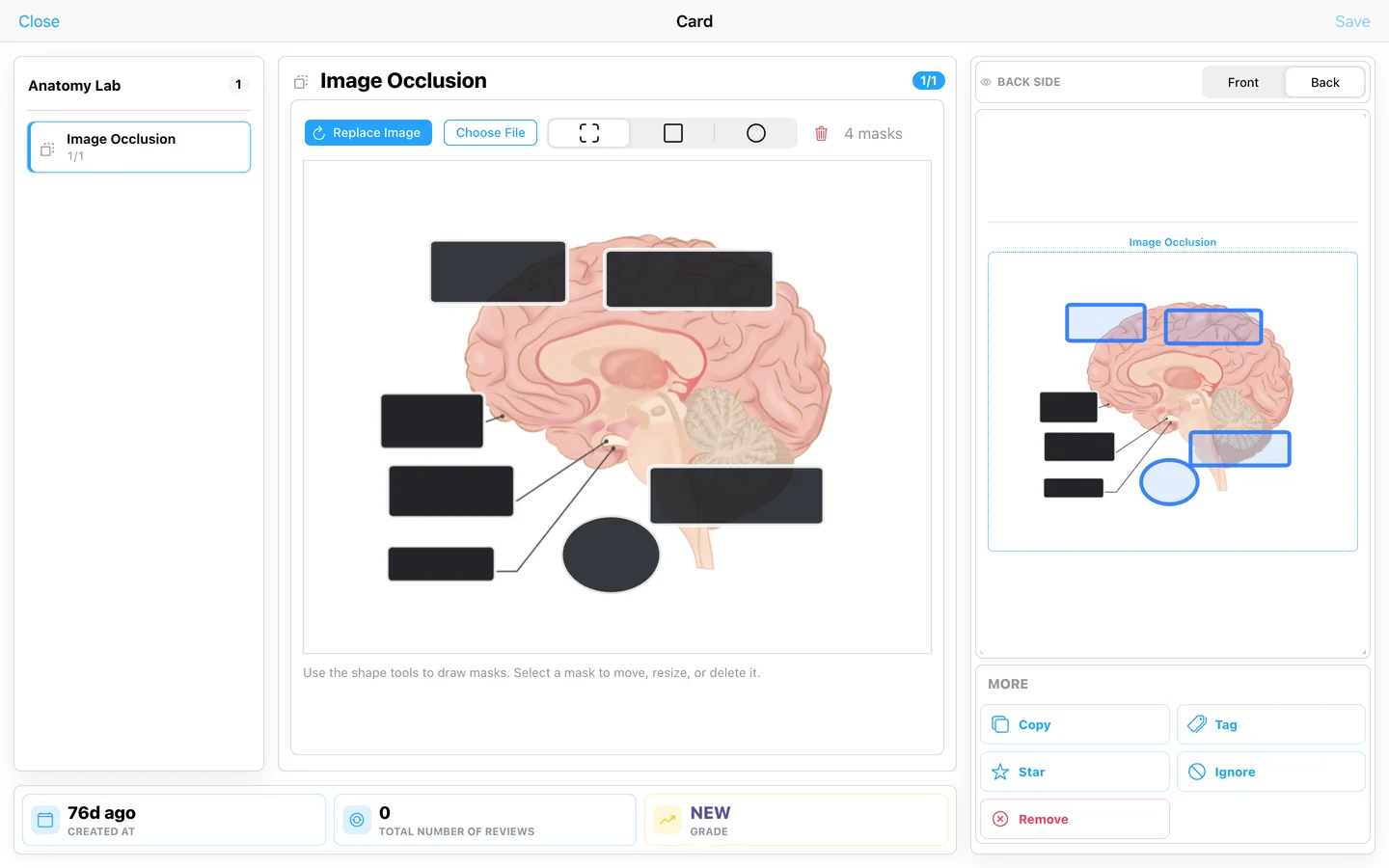
Cover labels on an image with rectangular or circular masks without leaving the card editor.
Use formatted text, images, audio, multiple fields, and custom HTML and CSS layouts.
Add automatic translation, text-to-speech, and automatic furigana to language-learning cards.
Bring in CSV spreadsheets, compatible backups, and card collections from other apps.
Search public flashcard decks when you want useful material without building from scratch.
Build visual, interactive, multilingual, and technical cards—then see the study data behind them.
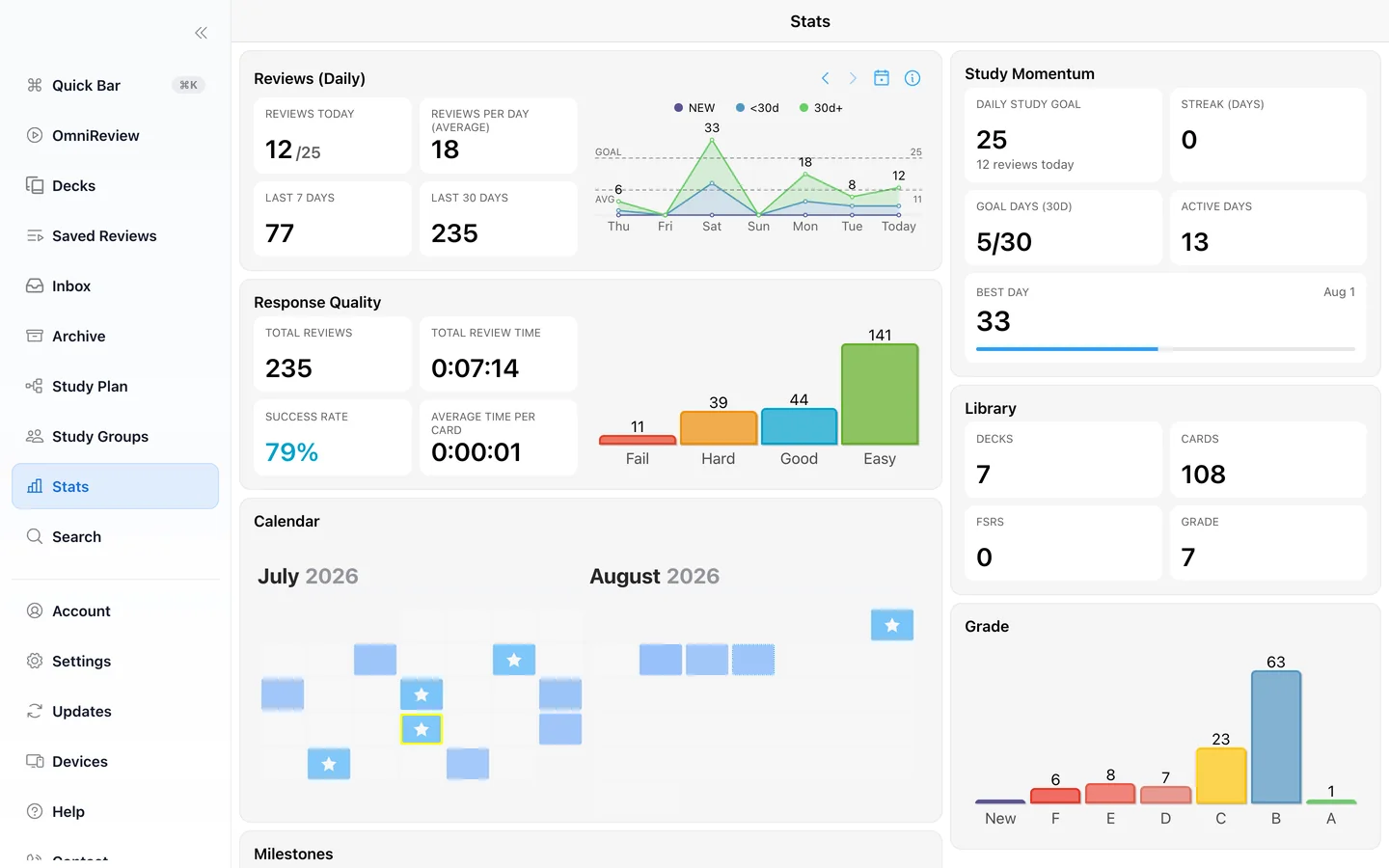
Review volume, response quality, momentum, goals, and calendar activity in one full statistics dashboard.
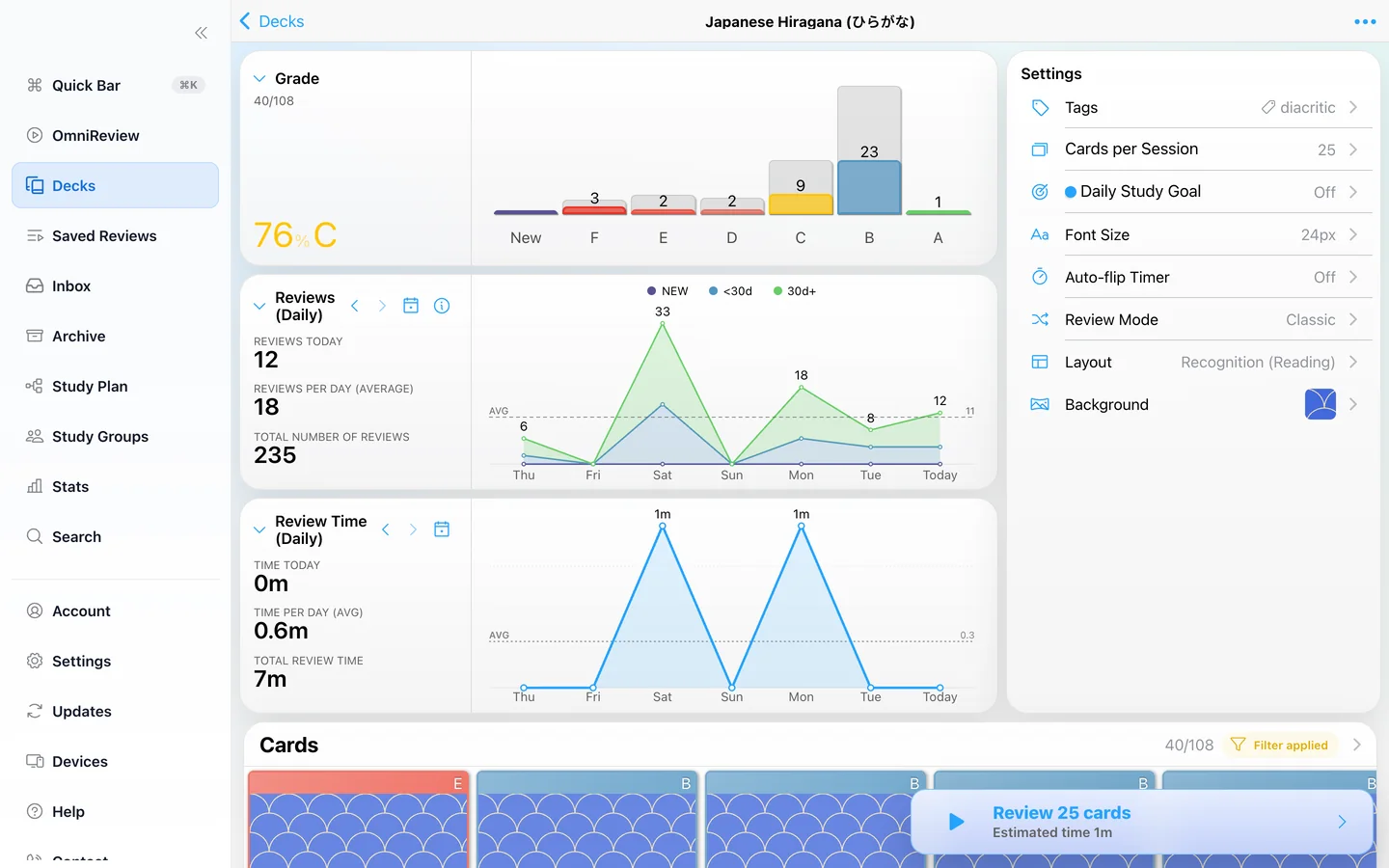
See grades, daily review activity, time spent, settings, and the cards themselves without losing context.
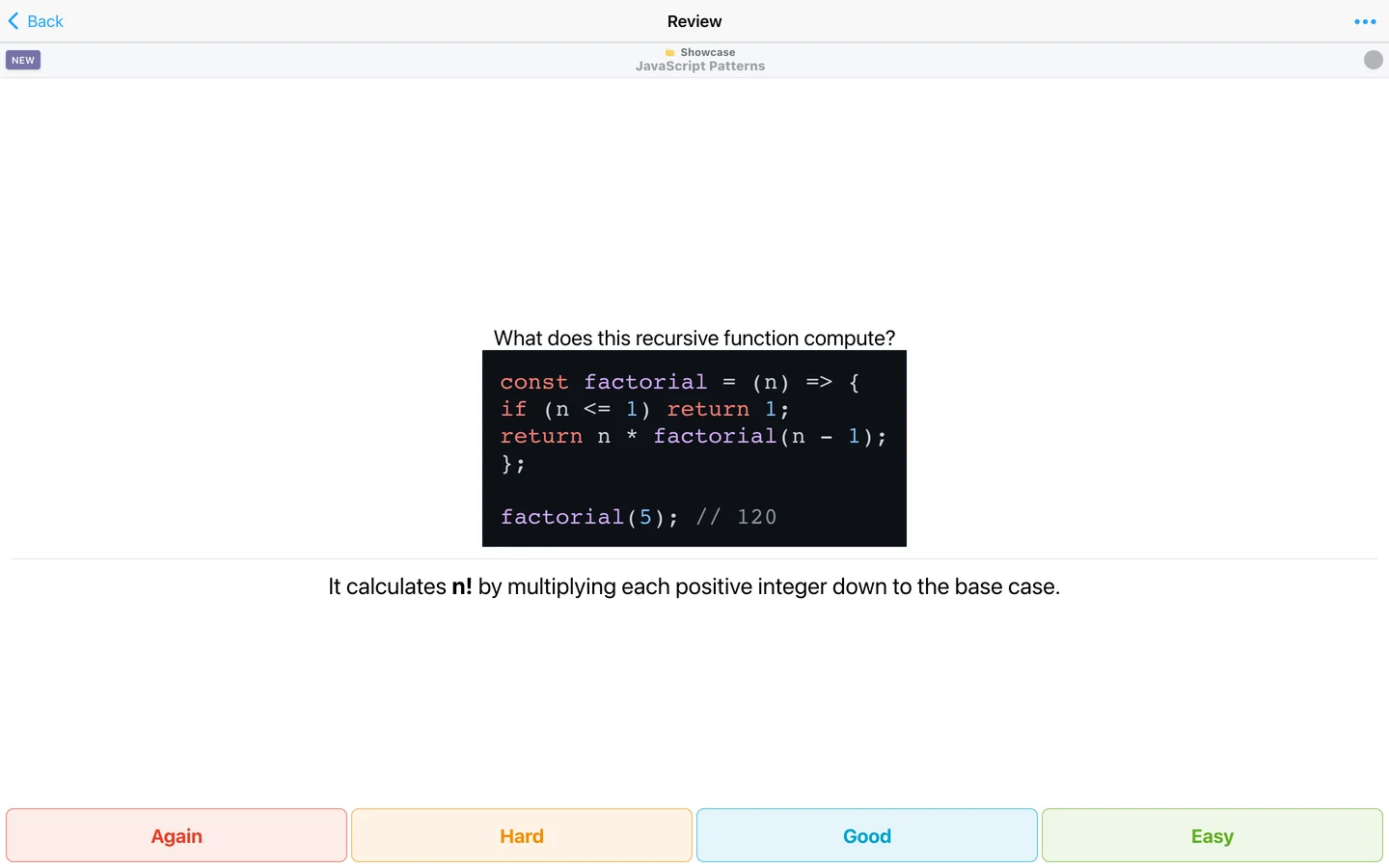
Study programming concepts with syntax highlighting, flexible layouts, and room for a clear explanation.
Draw rectangular and circular masks directly over diagrams and preview the resulting card as you edit.
Combine media with a focused prompt and explanation.
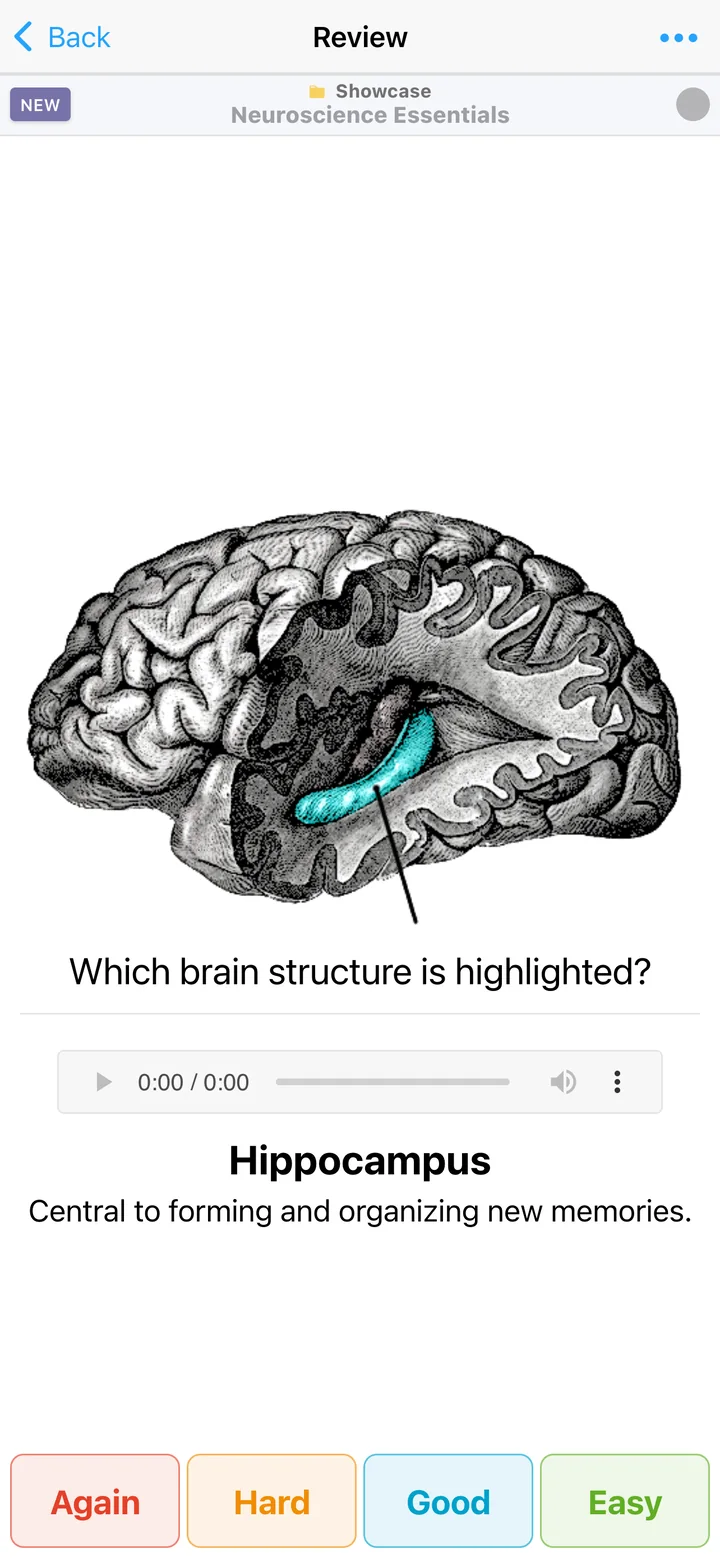
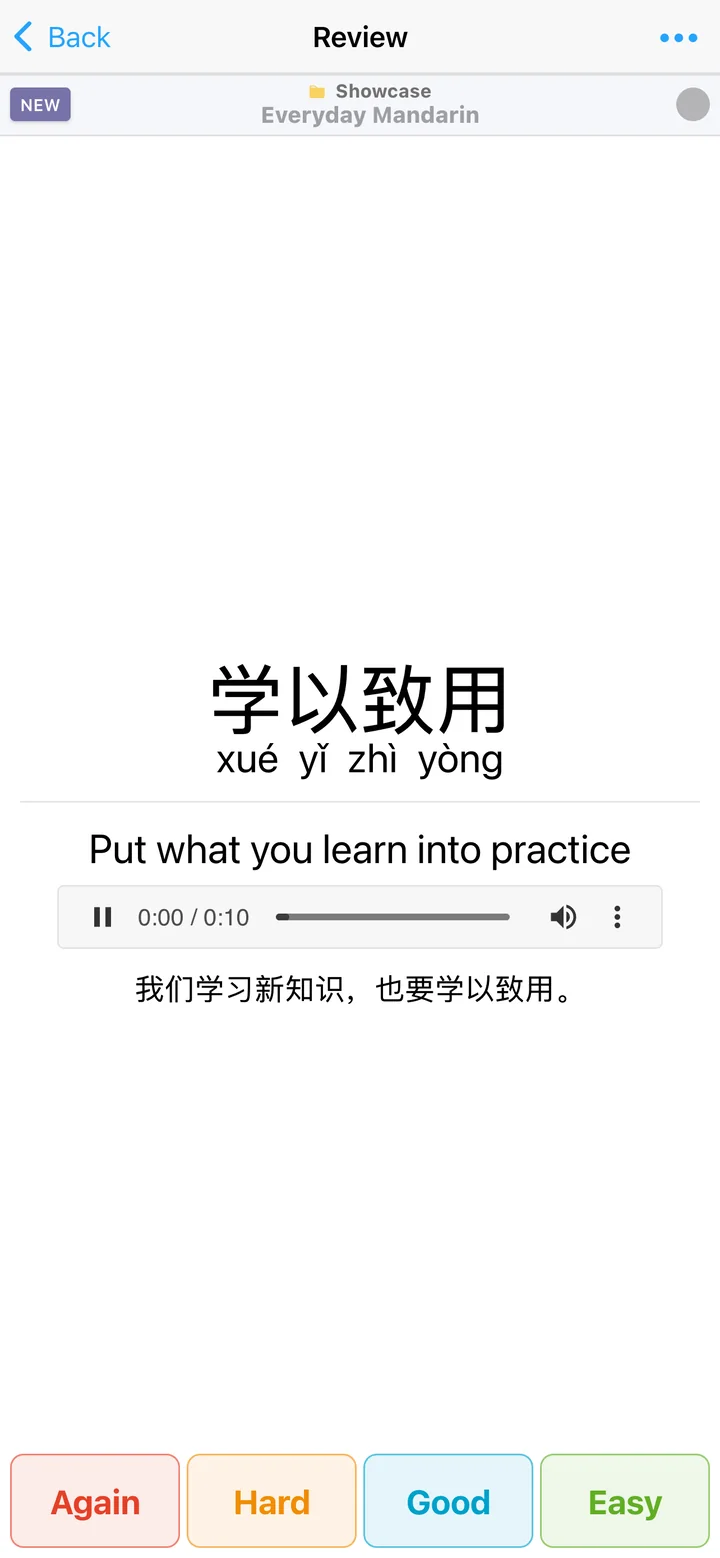
Learn characters with pinyin, examples, translation, and speech.
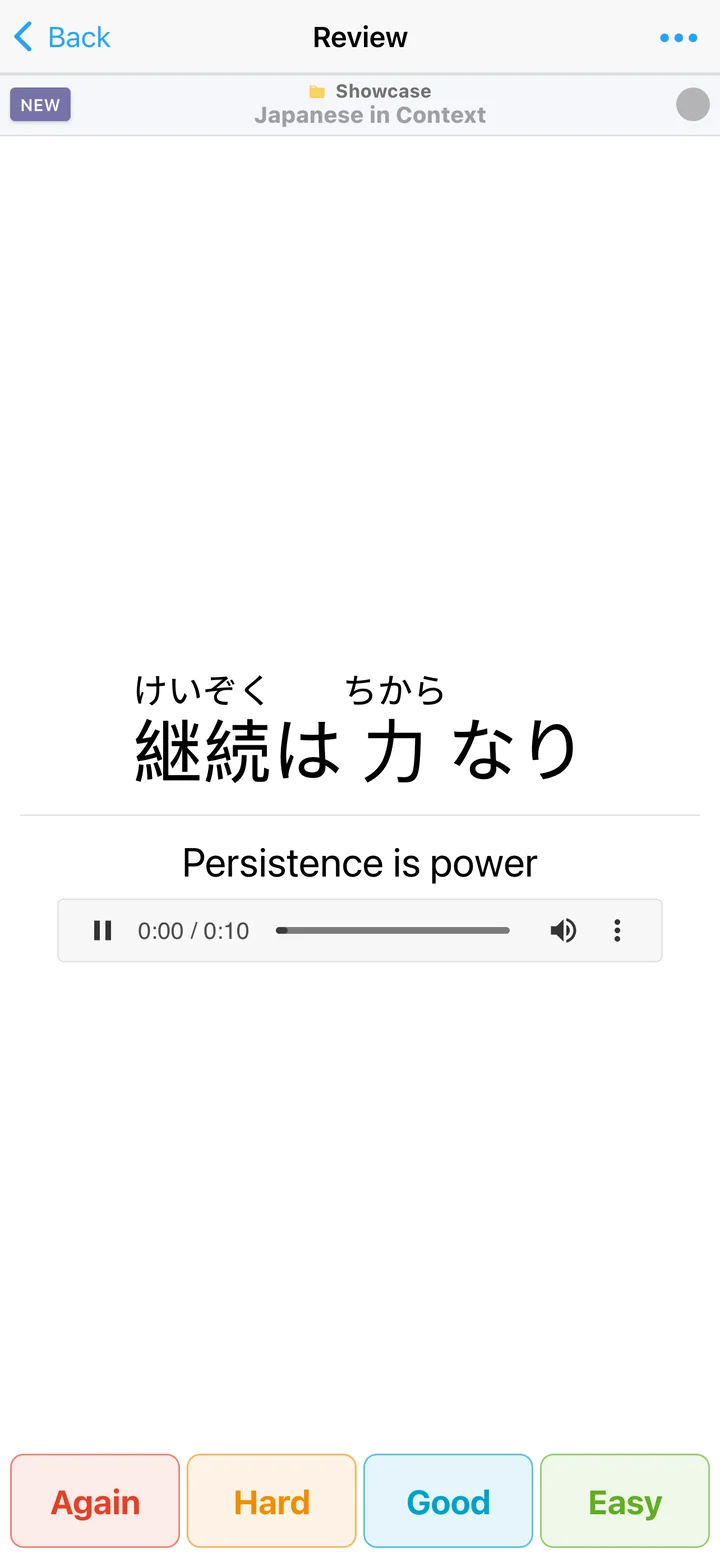
Show automatic furigana alongside meaning and speech.
Type an answer and get immediate, precise feedback.
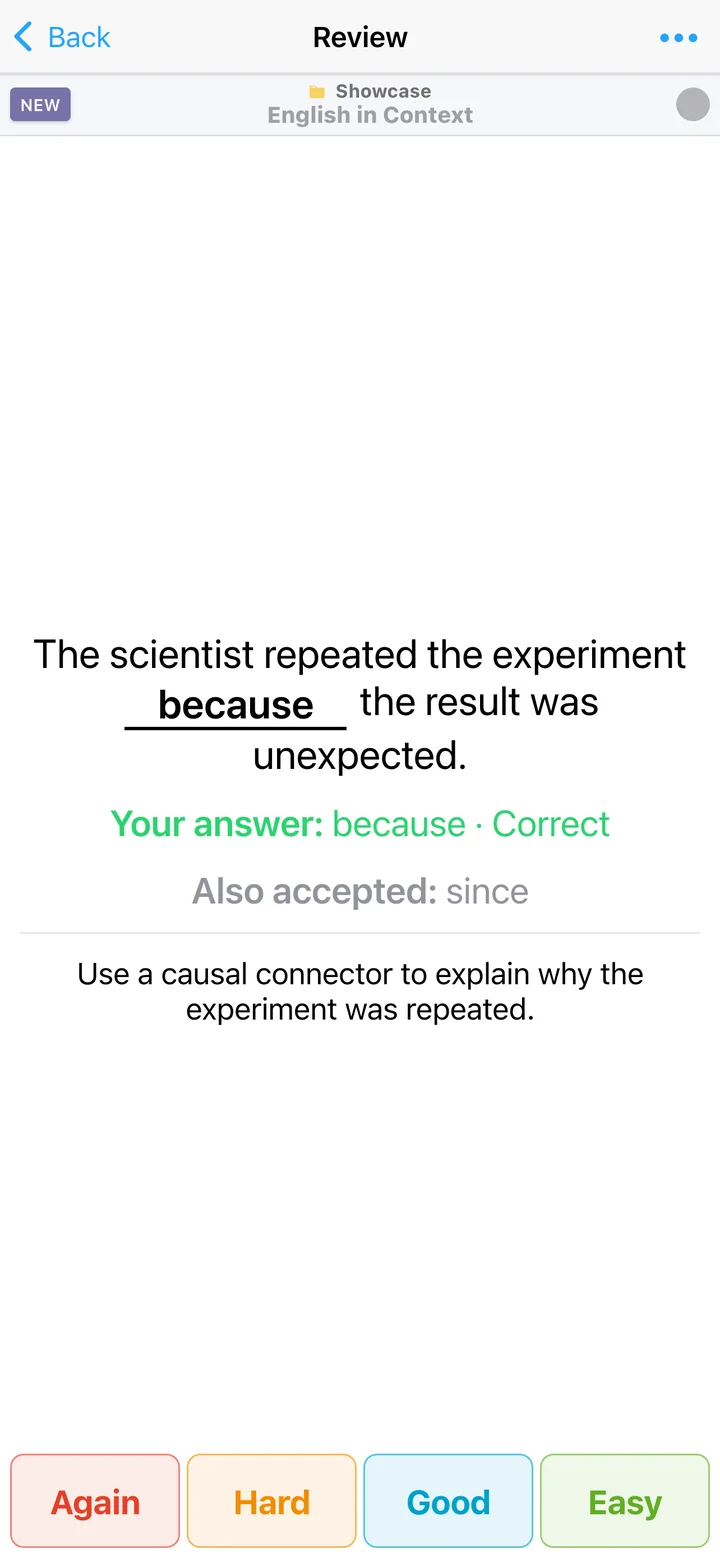
Choose, check, and reinforce the answer with context.
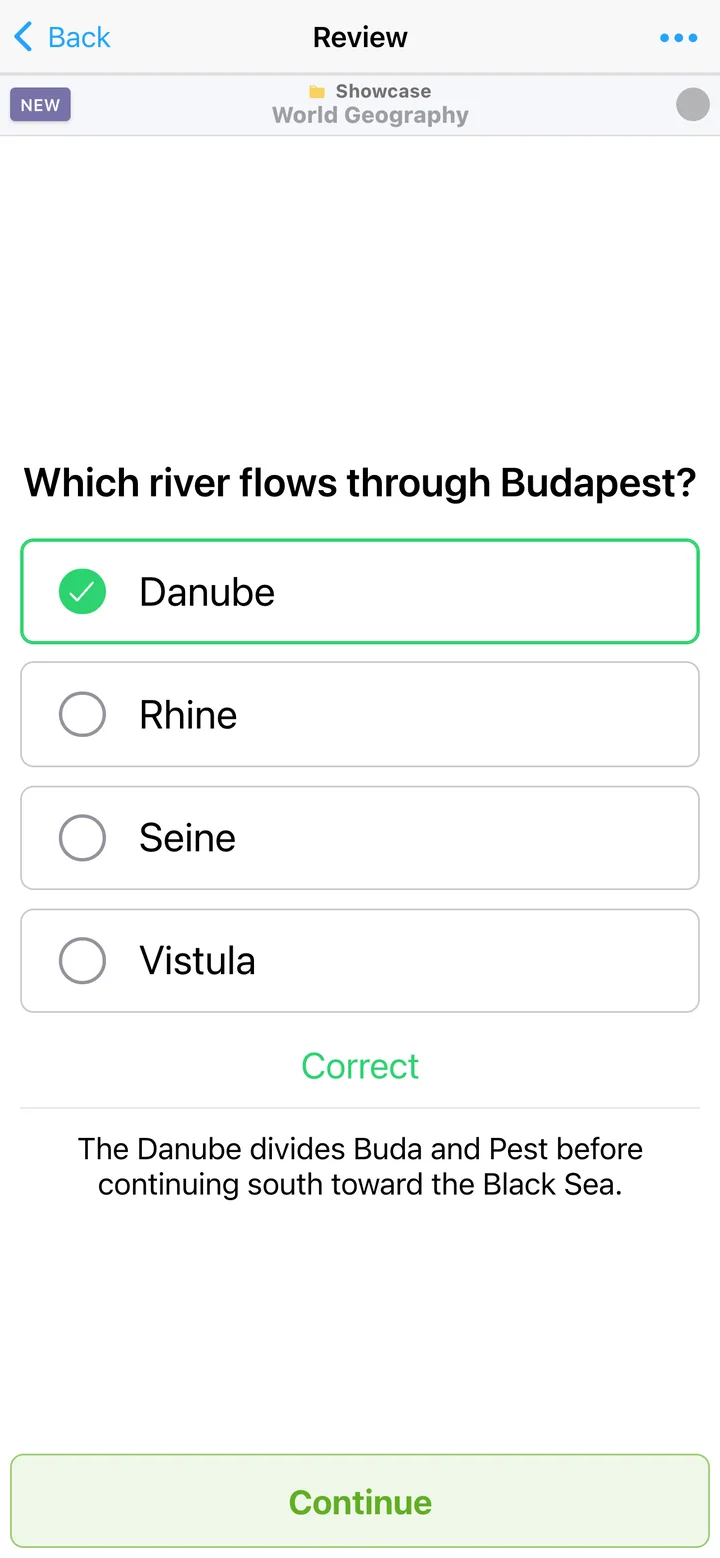
FSRS spaced repetition uses your answers to schedule cards intelligently. Adjust retention for a deck, focus a session with filters, or use OmniReview to study across your library.
How AlgoApp schedules reviews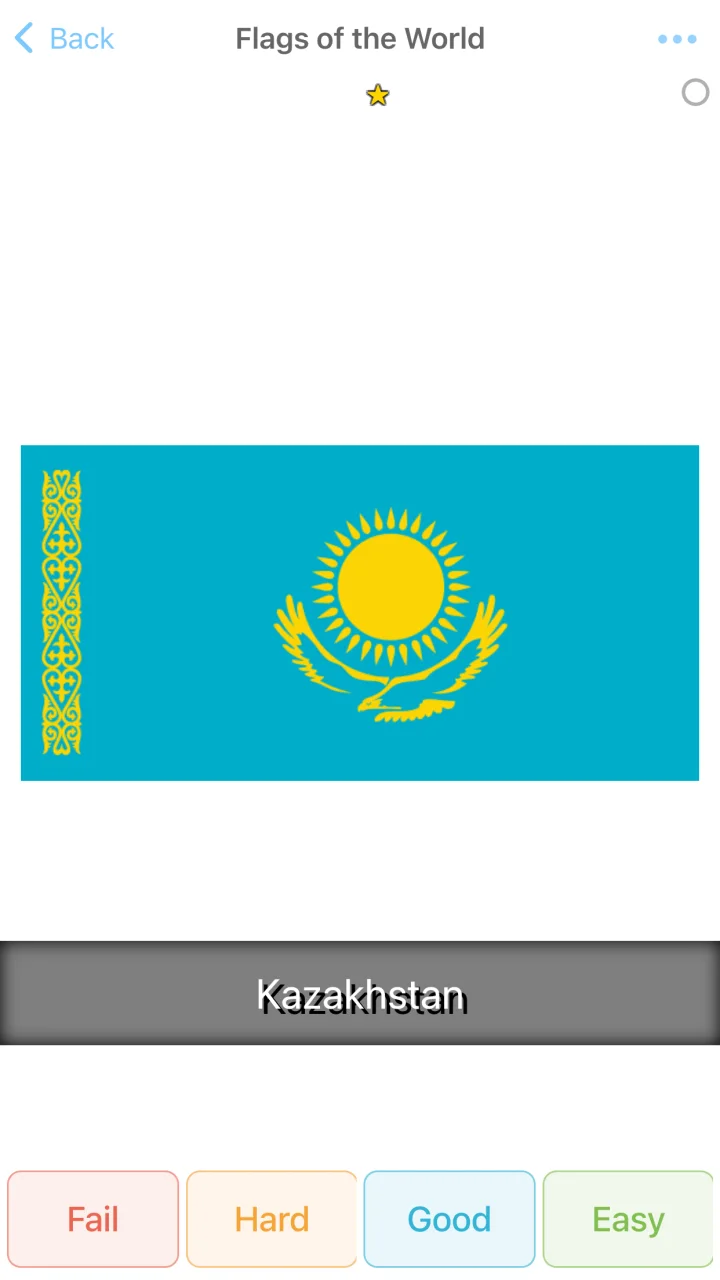
See daily progress, study momentum, streaks, review history, and estimated completion based on your goal and pace.
Create a Study Group, invite people with a link, and share decks or folders with classmates, friends, or family.
Explore Study Groups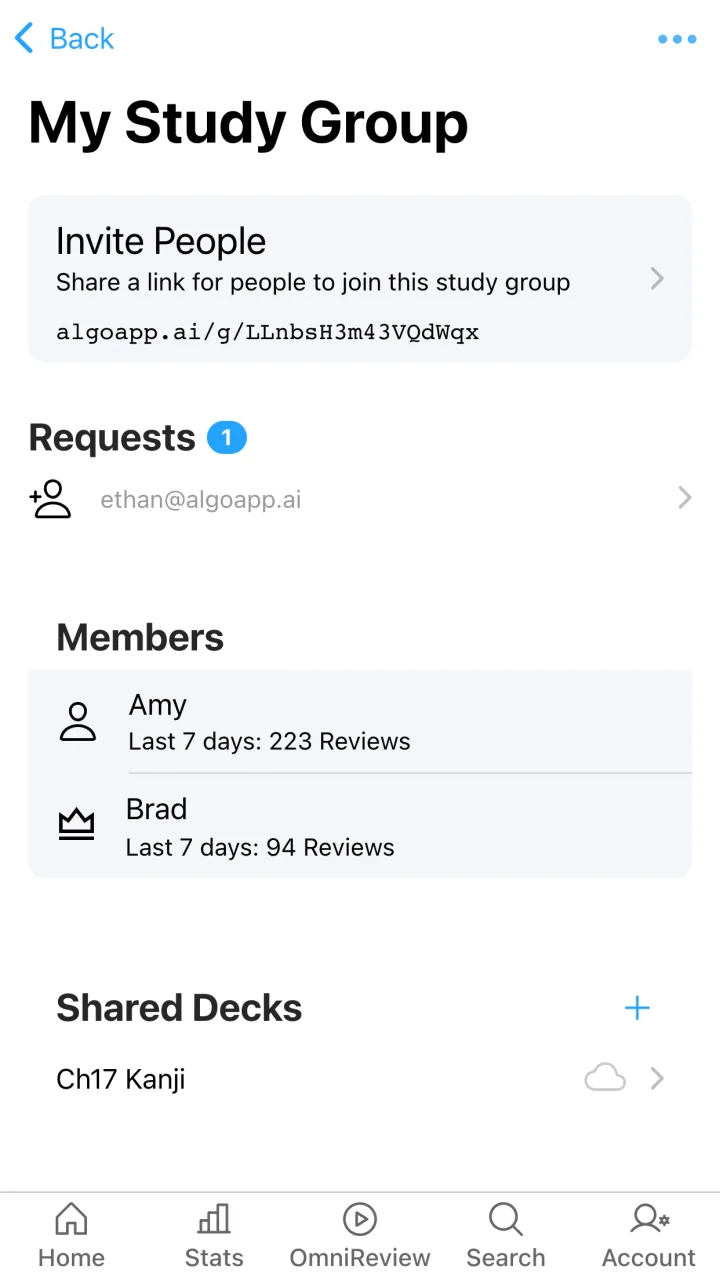
Structure subjects your way and filter cards by tag, grade, due state, and other study criteria.
Scan large decks visually, select many cards, and make changes efficiently.
Keep your cards and review progress connected across iPhone, iPad, Android, Mac, Windows, and web.
Start free in the browser or install AlgoApp on every device you use.